New
New
Early access is open
Early access is open
The inbox that knows your properties.
Helm is an inbox for UK letting agents. Email in one shared place, with the property, the tenancy and the people beside every message.
How it works
Three steps to get started.
Connecting Helm takes a sign-in and a conversation. There is nothing to migrate and nothing for your team to learn.
01
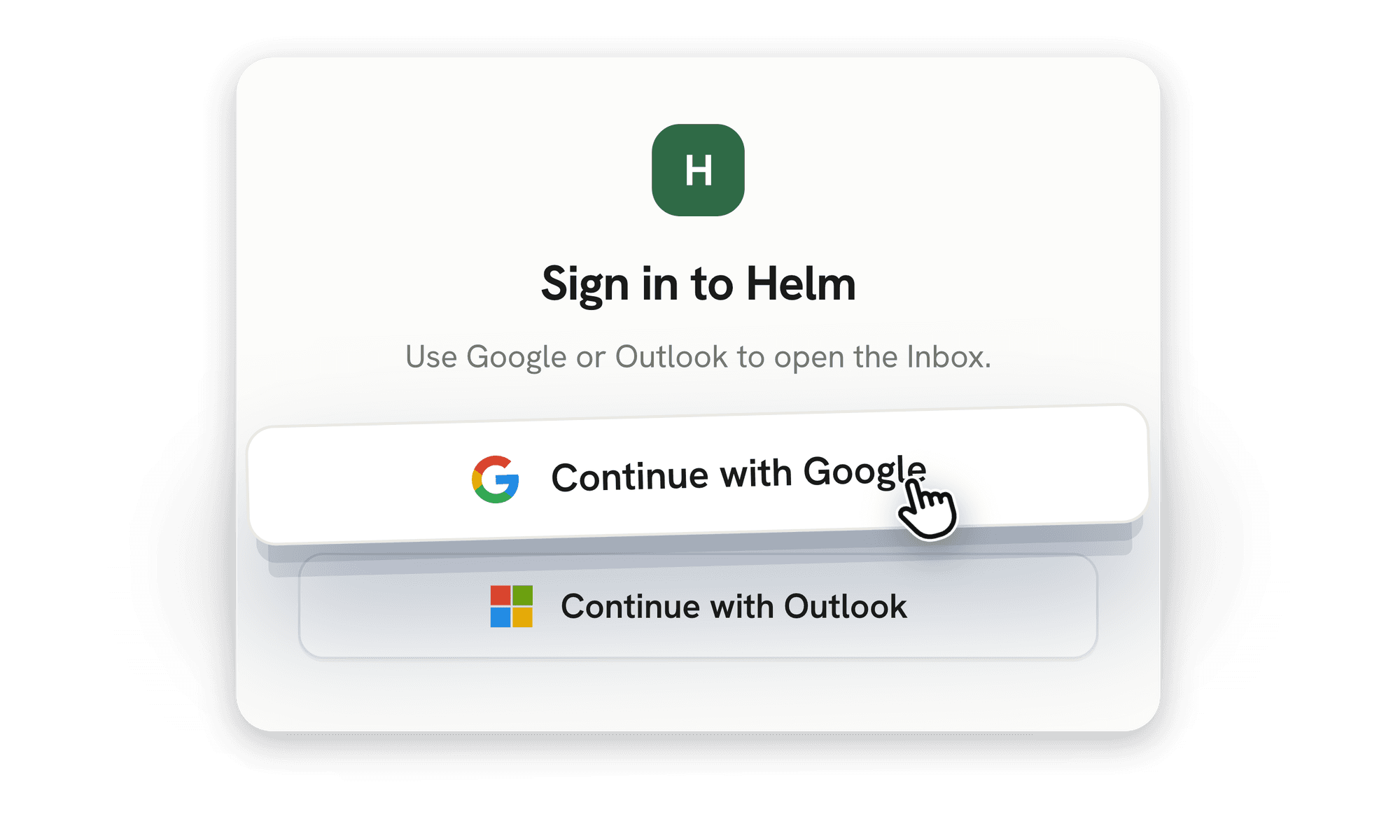
Connect your mailbox
Sign in with Outlook or Gmail
Shared mailboxes included
Nothing moves out of your mailbox
01
Connect your mailbox
Sign in with Outlook or Gmail
Shared mailboxes included
Nothing moves out of your mailbox

02
Link your properties
Properties, tenancies and contacts
Matched to the right address automatically
Your CRM stays your system of record
02
Link your properties
Properties, tenancies and contacts
Matched to the right address automatically
Your CRM stays your system of record

03
Invite your team
Everyone works from the shared inbox
No new logins for tenants or contractors
Switch it off whenever you like
03
Invite your team
Everyone works from the shared inbox
No new logins for tenants or contractors
Switch it off whenever you like
03
Invite your team
Everyone works from the shared inbox
No new logins for tenants or contractors
Switch it off whenever you like
the inbox
Everything your team already does with email.
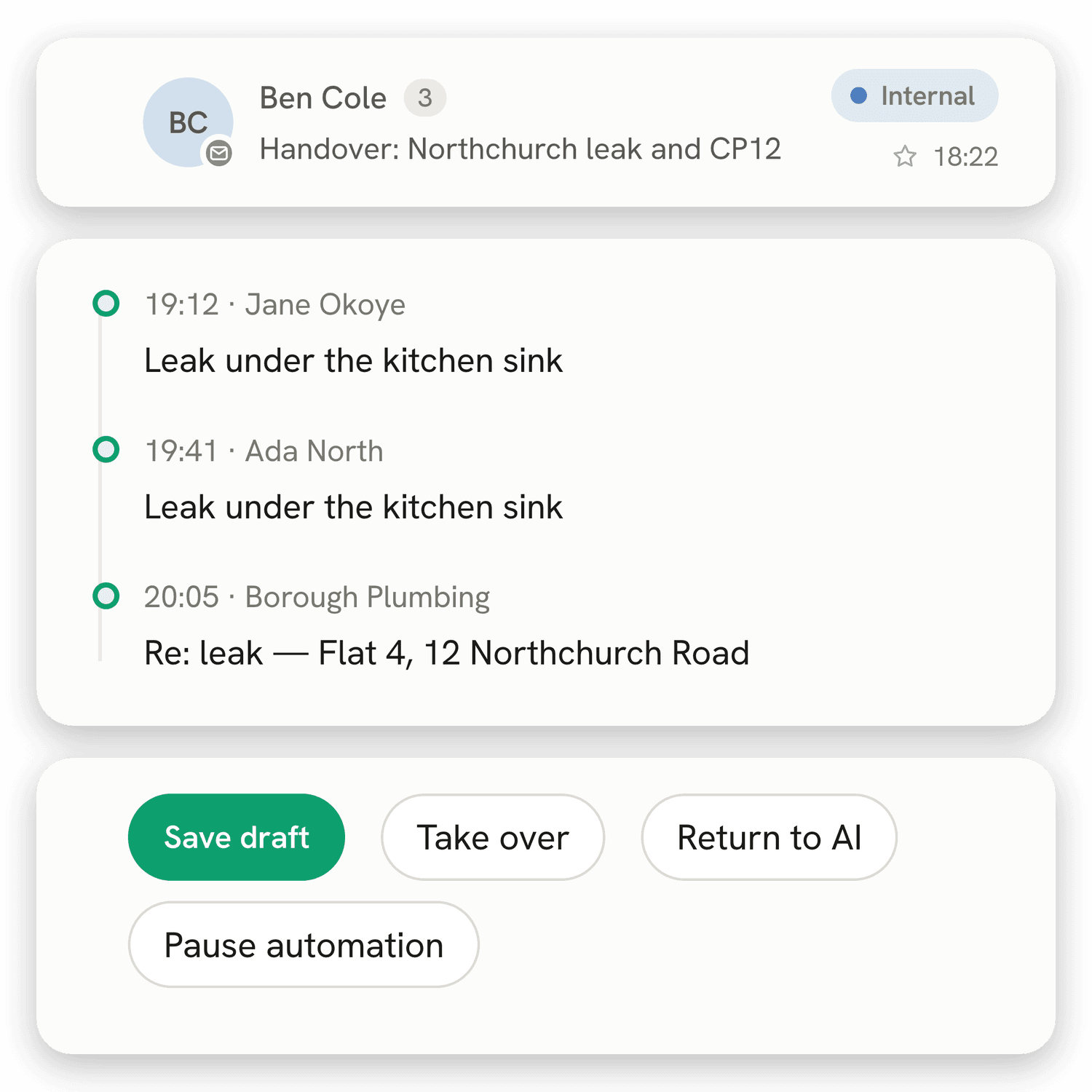
The base layer. One shared inbox for the whole team, with your properties and people beside every message.
Sorted the moment it lands
Every message is read as it arrives and filed by what it is: a repair, a viewing request, a landlord question, a certificate running out.
The property beside every message
Tenancy, landlord, contractor and the history at that address are pulled from your CRM and attached to the thread before anyone opens it.
Drafted in your team's voice
Helm writes the reply the way your agency writes. Firmer with a contractor who is late, warmer with a tenant having a bad week. Your team reads it and sends it.
One inbox for the whole team
Shared mailboxes, so everyone can see what has been answered, what is waiting and who picked it up. Nothing lives on one person's phone.


the inbox
Everything your team already does with email.
The base layer. One shared inbox for the whole team, with your properties and people beside every message.
Sorted the moment it lands
Every message is read as it arrives and filed by what it is: a repair, a viewing request, a landlord question, a certificate running out.
The property beside every message
Tenancy, landlord, contractor and the history at that address are pulled from your CRM and attached to the thread before anyone opens it.
Drafted in your team's voice
Helm writes the reply the way your agency writes. Firmer with a contractor who is late, warmer with a tenant having a bad week. Your team reads it and sends it.
One inbox for the whole team
Shared mailboxes, so everyone can see what has been answered, what is waiting and who picked it up. Nothing lives on one person's phone.
the inbox
Everything your team already does with email.
The base layer. One shared inbox for the whole team, with your properties and people beside every message.
Sorted the moment it lands
Every message is read as it arrives and filed by what it is: a repair, a viewing request, a landlord question, a certificate running out.
The property beside every message
Tenancy, landlord, contractor and the history at that address are pulled from your CRM and attached to the thread before anyone opens it.
Drafted in your team's voice
Helm writes the reply the way your agency writes. Firmer with a contractor who is late, warmer with a tenant having a bad week. Your team reads it and sends it.
One inbox for the whole team
Shared mailboxes, so everyone can see what has been answered, what is waiting and who picked it up. Nothing lives on one person's phone.
Integrations
Works with what you already run.
Helm connects to the systems your agency already pays for, and works inside them.



Outlook and Gmail
Sign in and Helm works on the mailbox you already have. No IT project, no export.
Outlook and Gmail
Sign in and Helm works on the mailbox you already have. No IT project, no export.
Outlook and Gmail
Sign in and Helm works on the mailbox you already have. No IT project, no export.
Your lettings CRM
Planned: Reapit, Alto and Street, so a message arrives knowing the property it belongs to.
Your lettings CRM
Planned: Reapit, Alto and Street, so a message arrives knowing the property it belongs to.
Your lettings CRM
Planned: Reapit, Alto and Street, so a message arrives knowing the property it belongs to.
Where repairs are logged
Planned: Fixflo and the works-order systems your team already checks.
Where repairs are logged
Planned: Fixflo and the works-order systems your team already checks.
Where repairs are logged
Planned: Fixflo and the works-order systems your team already checks.
Leave whenever you like
Disconnect and your mailbox is exactly as you left it. Nothing of yours moves anywhere.
Leave whenever you like
Disconnect and your mailbox is exactly as you left it. Nothing of yours moves anywhere.
Workflows · coming soon
Then it gets the job done, not just the reply.
Workflows go further than the reply. Helm works out what the job needs, then handles the contractor, the landlord and the tenant around it.

Landlord updates
Something moves on a property. Helm writes the update and sends it once you approve, so landlords hear from you before they think to chase.

Repairs
A tenant reports a leak. Helm finds the property, checks what the landlord has already authorised, asks your contractor to attend with the tenant's availability, books the slot, tells the tenant and logs the lot against the property. You approve before anything is sent.

Viewings
An enquiry arrives on a listing. Helm matches it to the property, offers times that are actually free and confirms the booking, so nobody loses an applicant to a slow reply.
Landlord updates
Something moves on a property. Helm writes the update and sends it once you approve, so landlords hear from you before they think to chase.
Repairs
A tenant reports a leak. Helm finds the property, checks what the landlord has already authorised, asks your contractor to attend with the tenant's availability, books the slot, tells the tenant and logs the lot against the property. You approve before anything is sent.
Viewings
An enquiry arrives on a listing. Helm matches it to the property, offers times that are actually free and confirms the booking, so nobody loses an applicant to a slow reply.
Frequently asked questions.
Can’t find what you’re looking for? Reach out to our team at hello@usehelm.co.uk
Getting started
Integrations
Plans
General
What will you need from us to get started?
A mailbox to connect and a short conversation about how your team works. Nobody changes systems and nothing moves.
Will our team have to learn a new system?
No. Helm is designed to work on the mailbox your team already uses, rather than asking anyone to move somewhere new.
What happens after I request access?
We will get in touch to understand how your team handles email, which systems you use and what you want Helm to take off your hands.
Frequently asked questions.
Can’t find what you’re looking for? Reach out to our team at hello@usehelm.co.uk
Getting started
Integrations
Plans
General
What will you need from us to get started?
A mailbox to connect and a short conversation about how your team works. Nobody changes systems and nothing moves.
Will our team have to learn a new system?
No. Helm is designed to work on the mailbox your team already uses, rather than asking anyone to move somewhere new.
What happens after I request access?
We will get in touch to understand how your team handles email, which systems you use and what you want Helm to take off your hands.
Frequently asked questions.
Can’t find what you’re looking for? Reach out to our team at hello@usehelm.co.uk
What will you need from us to get started?
A mailbox to connect and a short conversation about how your team works. Nobody changes systems and nothing moves.
Will our team have to learn a new system?
No. Helm is designed to work on the mailbox your team already uses, rather than asking anyone to move somewhere new.
What happens after I request access?
We will get in touch to understand how your team handles email, which systems you use and what you want Helm to take off your hands.

Stop losing landlords to silence.

Stop losing landlords to silence.
Stop losing landlords to silence.